Read Markdown, PDF & EPUB.
Beautifully.
One fast, elegant reader for all your documents — 15 reading themes, live search, and your exact reading spot always saved. Works fully offline.


One fast, elegant reader for all your documents — 15 reading themes, live search, and your exact reading spot always saved. Works fully offline.
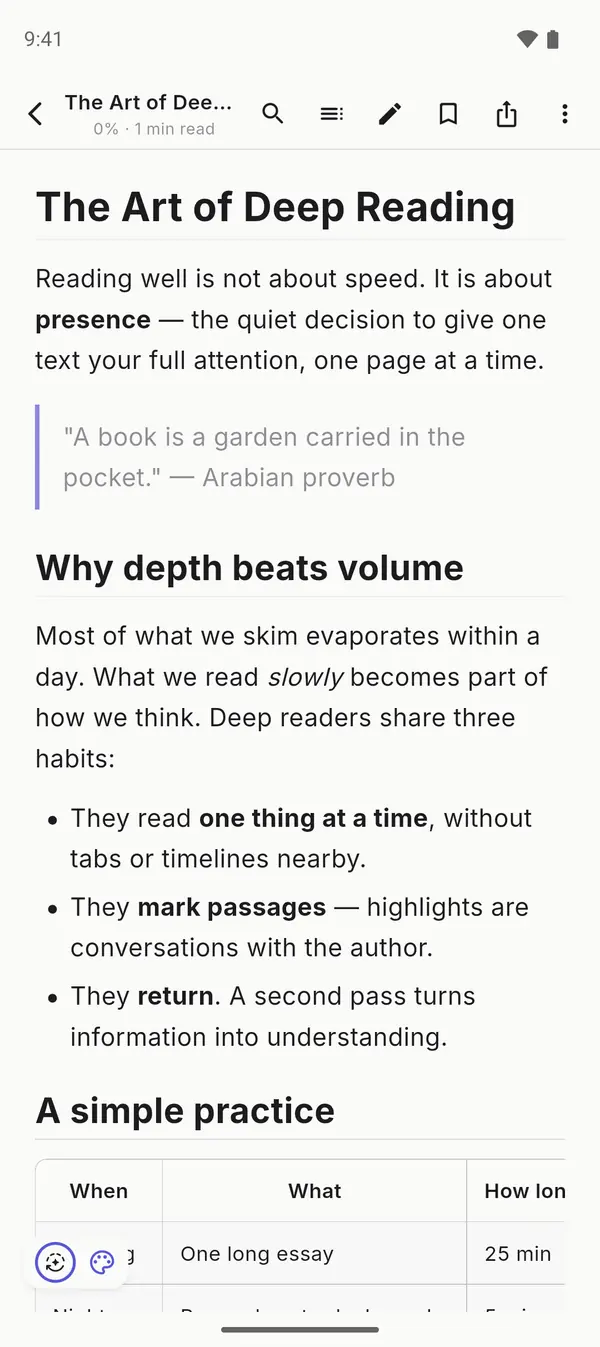
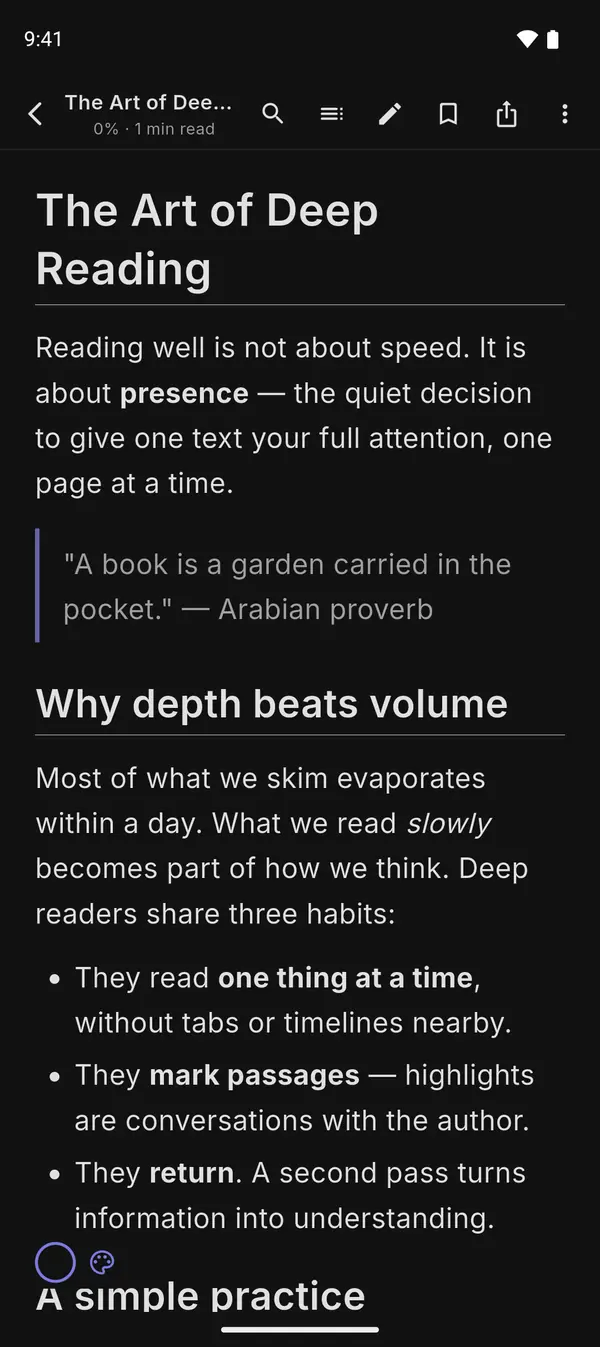
Headers, tables, code with syntax highlighting, images and clickable links — every .md and .txt rendered with precision.
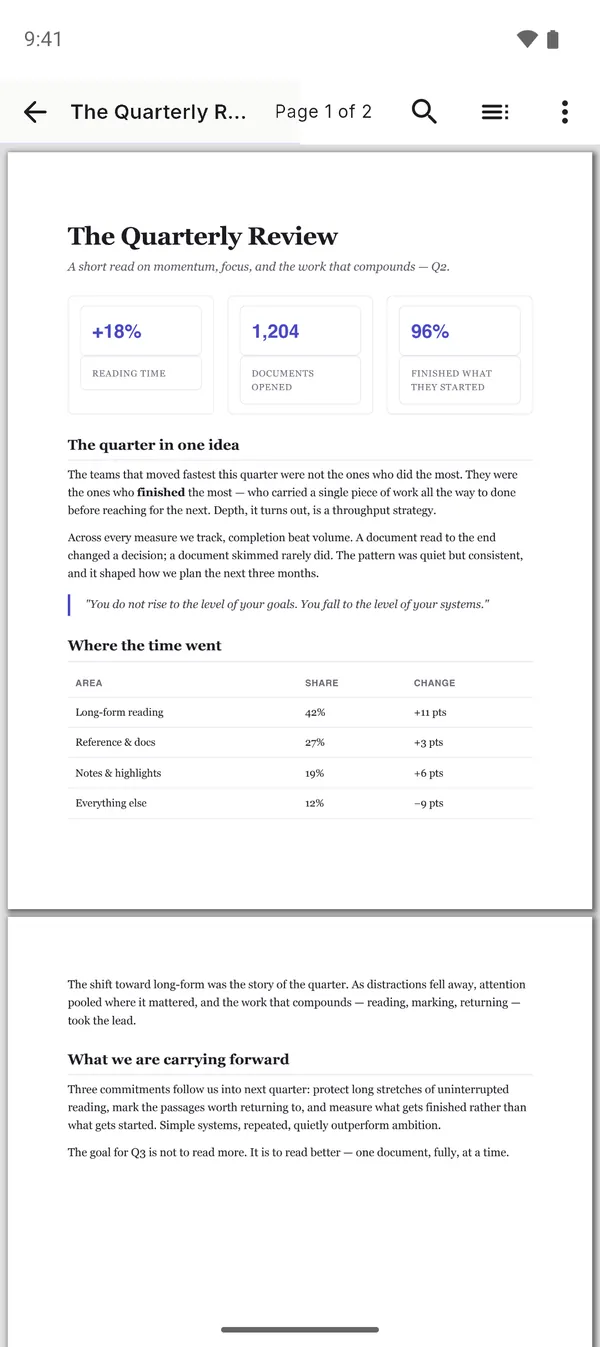
Comfortable zoom that's remembered per document, tappable links, password-protected files, and one-tap recenter.
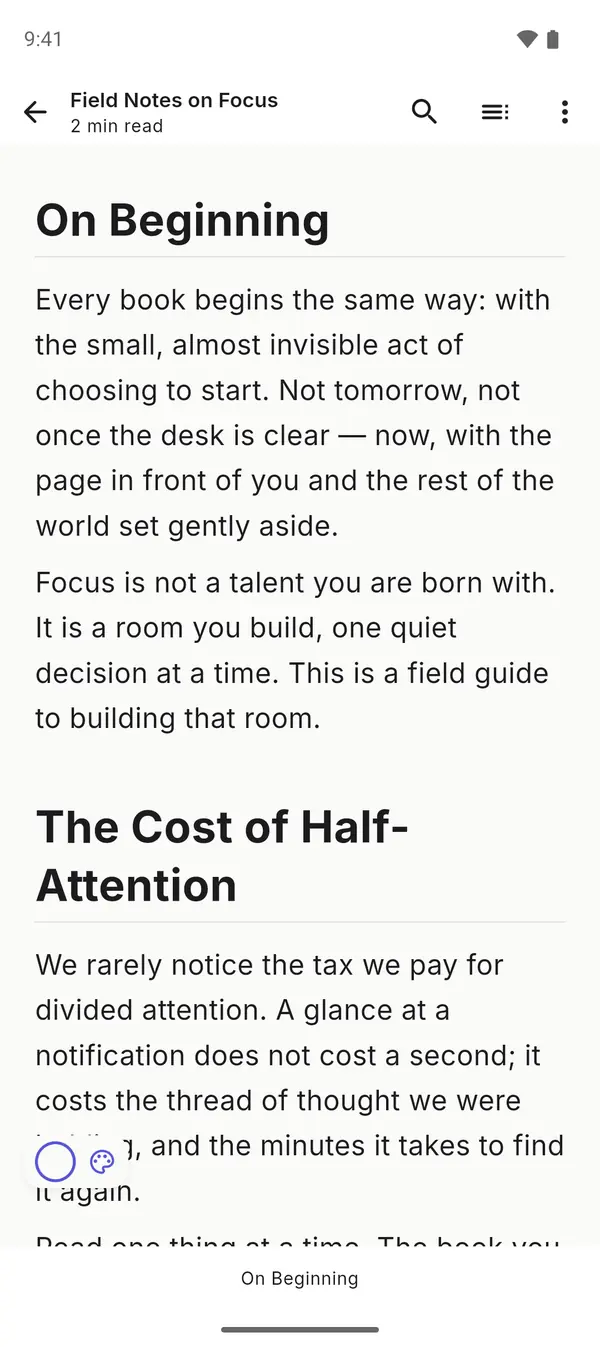
DRM-free e-books with your theme, font and text size — chapters and covers included.
Live search in Markdown and EPUB, with highlighted matches and next/previous in all three formats.
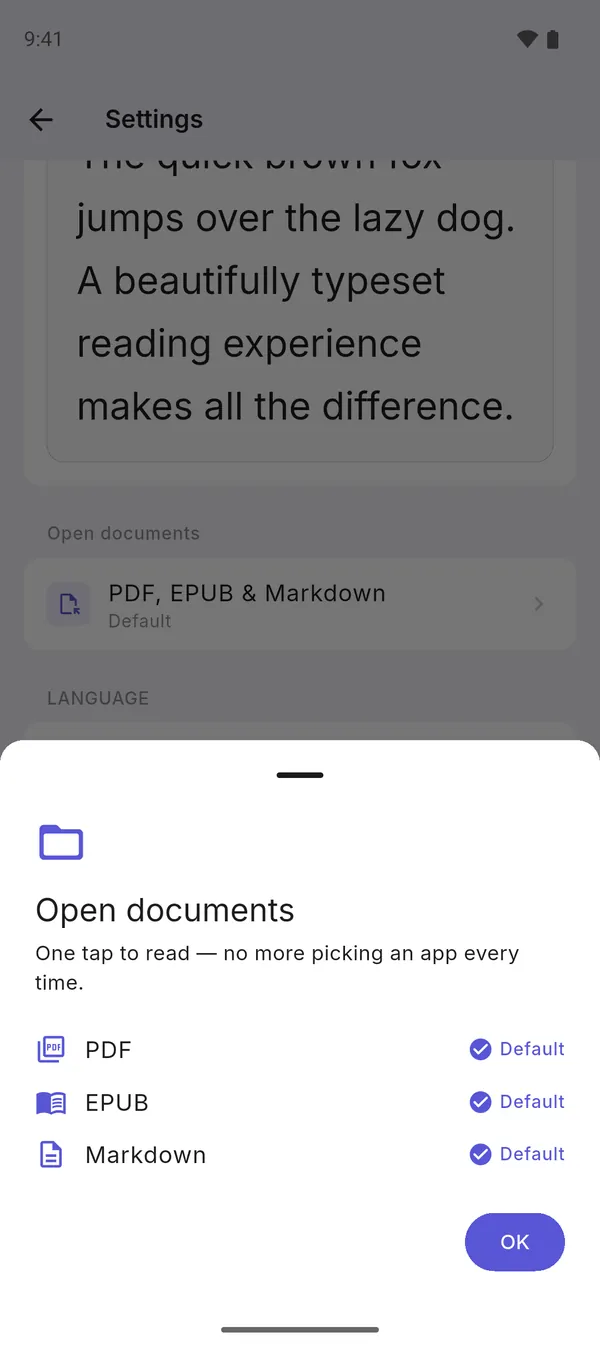
Share or "Open with" from Telegram, WhatsApp, email or your file manager — and set MarkDeck as your default reader with a guided setup.
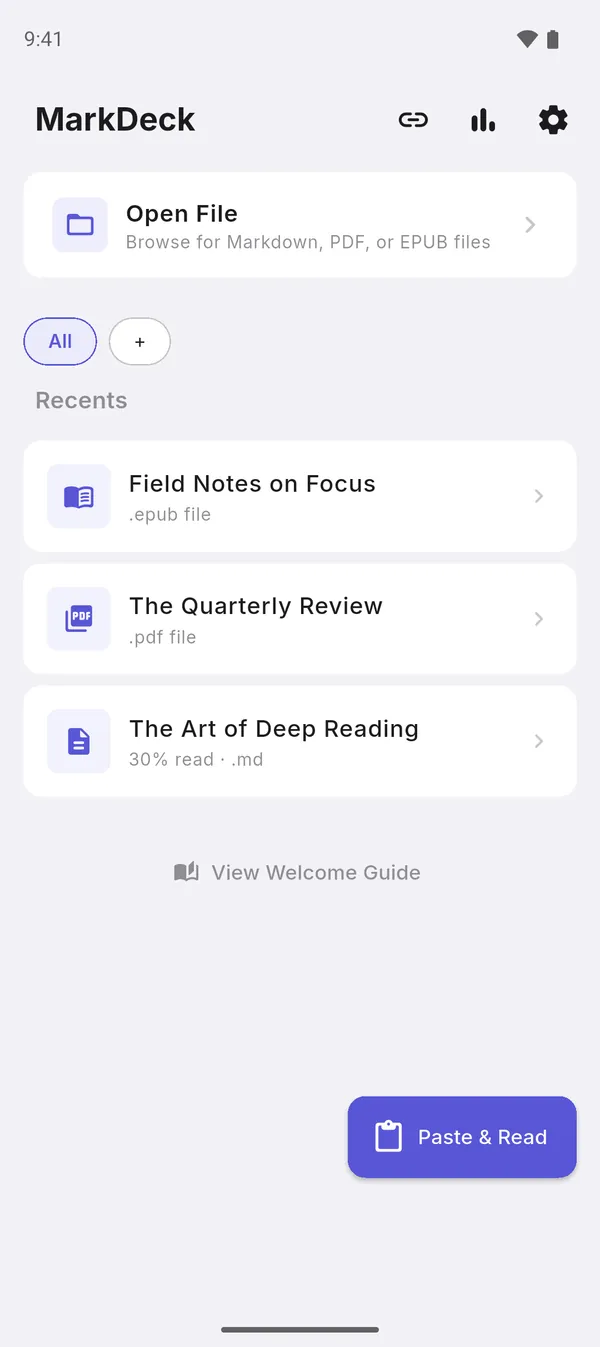
Paste Markdown from ChatGPT, Claude or anywhere — or import a page straight from a URL.
Fix a typo or take notes: edit Markdown in-app and save back, or save as a copy.
Recents and collections mixing every format, with EPUB covers — pull down to refresh.
Light, Sepia, Dark, AMOLED, Nord, Dracula, Solarized, Gruvbox, Tokyo Night and more. Pro adds 5 premium themes like E-Ink and Contrast+.
System and Merriweather free, 8 more with Pro — live preview, and a separate font for the interface.
Text size also scales tables, the table of contents and lists — nothing stays small.
Scroll like a feed or swipe page by page, in EPUB and PDF.
Recolor any PDF for night or warm sepia reading — no more blinding white pages after dark.
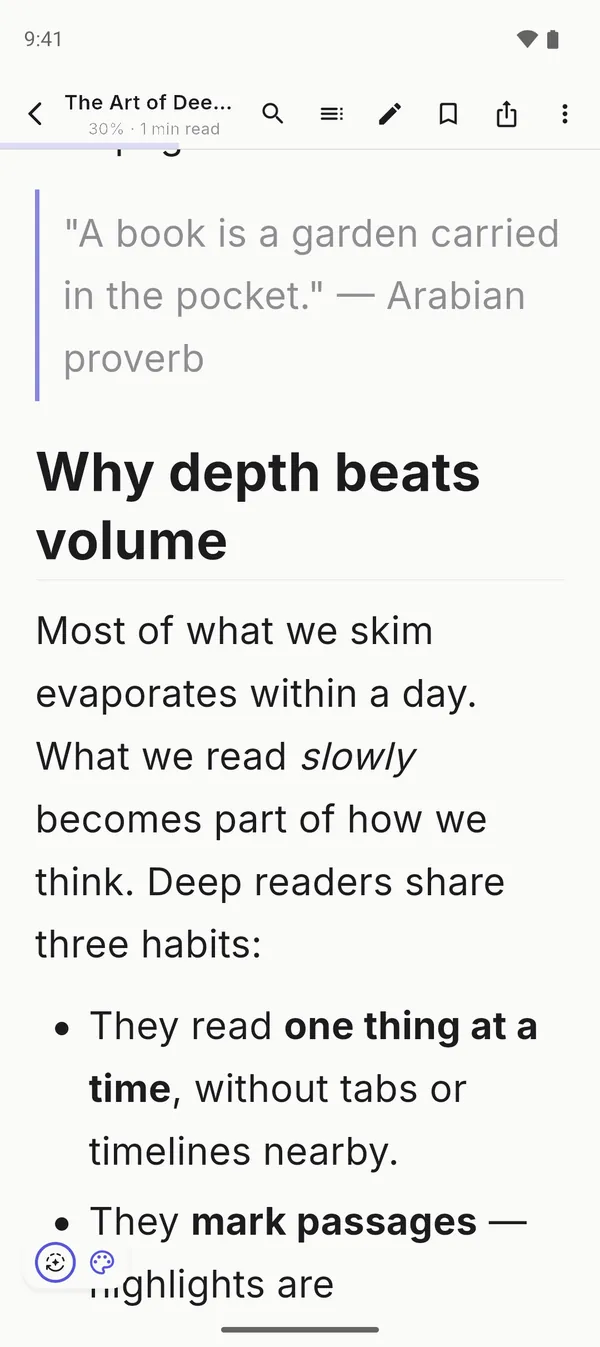
One tap hides every bar: just your page, with a hairline progress line.
Every document reopens exactly where you stopped — even after font or theme changes, even if you edit the file.
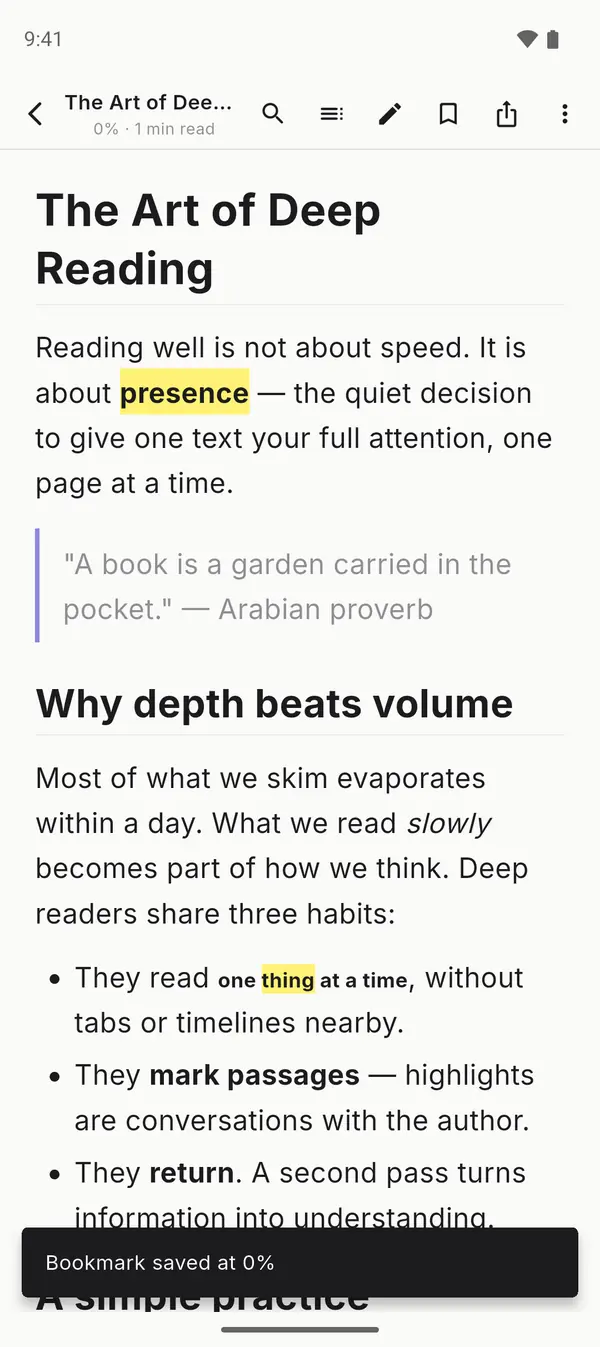
Save your spot and jump back with a clear "you're here" signal. 10 free, unlimited with Pro.
Tap any highlight to change color, add a note or copy the quote. 5 free; unlimited with 6 colors and notes on Pro.
Headings, chapters or PDF outline — jump to any section in a tap.
Total time, current streak and today's sessions — Pro adds a heatmap and weekly breakdown.
No account, no login, no connection needed to read — plane, metro, anywhere.
Your documents never leave your device. With Cloud Sync they go to your own Google Drive — not our servers.
Interface in English, Spanish and Portuguese — switchable in Settings.
Straight from the app — Markdown, PDF and EPUB.
The reader stays free — Pro unlocks the power features. Try everything free for 7 days.
Documents, bookmarks, highlights, positions and settings synced through your own Google Drive.
Up to 8 documents open at once — switch like browser tabs.
Turn any Markdown file into a polished PDF.
Remove every ad for a clean, distraction-free read.
E-Ink, Contrast+, Abyss, Amber and Mint.
Lora, Literata, Source Serif 4, Inter, Nunito, Crimson Text, IBM Plex Serif and Fira Sans.
Read fixed-layout PDFs comfortably at night.
All 6 colors, with notes attached to the exact passage.
Mark as many places as you want.
Activity heatmap and weekly breakdown.
Free to read, with an optional Pro upgrade. No account required.
Found a bug? Have a feature request? We'd love to hear from you.